
AccelerateWP: WordPress acceleration included with your hosting
AccelerateWP is the WordPress optimization suite from CloudLinux, the company behind the operating system that runs our servers. Caching, code, content and image optimization: your site loads faster, without complicated settings. At CCN Technologies, it is included with every Linux hosting plan, premium features included.
- Included in all our Linux cPanel hosting
- One-click activation from cPanel
- Premium features included: Critical CSS, images, Object Cache, CDN
- SmartAdvice recommendations for each site

What is AccelerateWP?
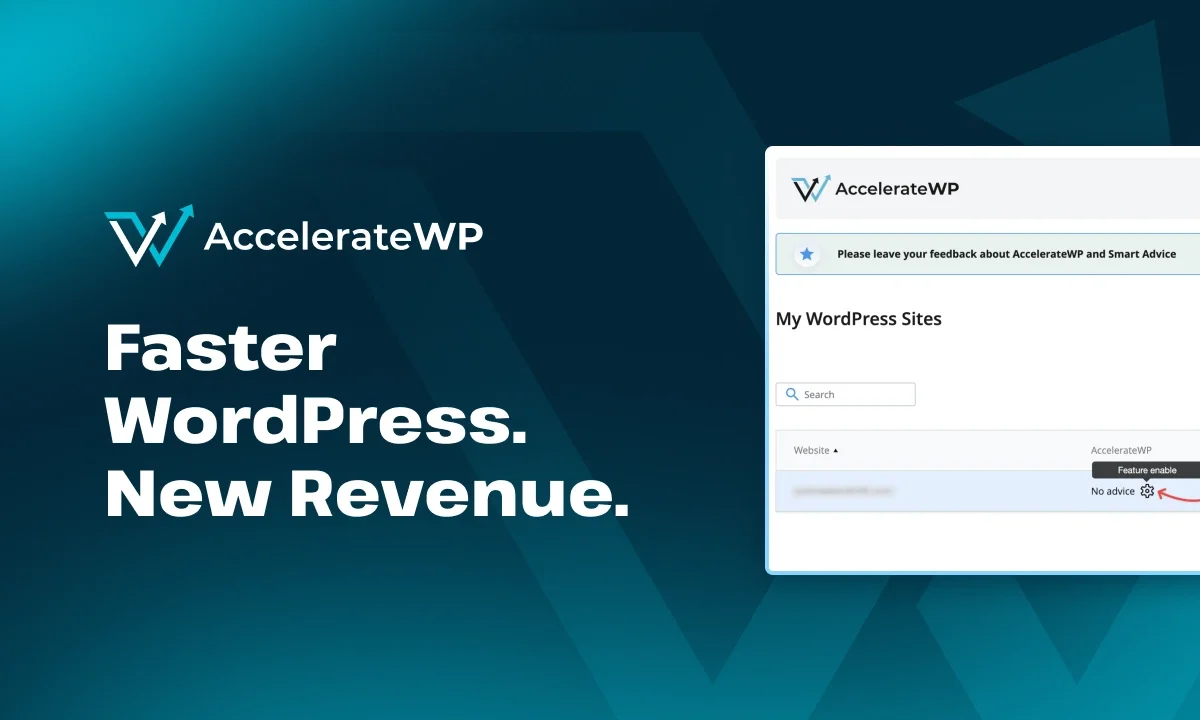
AccelerateWP is built into your cPanel. It analyzes your WordPress sites, recommends the optimizations that matter and applies them for you: page caching, lighter CSS and JavaScript, deferred image loading, CDN delivery. There is nothing to configure by hand. Each optimization is turned on and off in one click, from cPanel or from the WordPress admin.
- A faster site for your visitors
- Better conditions for SEO and Core Web Vitals
- Less load on your hosting
- No technical settings to handle
Core features
These optimizations cover most of what a WordPress site needs.

Site caching
Your pages are prepared in advance and served instantly, without being rebuilt on every visit.
- Full-page cache
- Browser cache
- Cache for logged-in users
- Dedicated mobile cache
- Cache preloading and page exclusion
- Cloudflare cache integration

Website optimization
Your site's code is slimmed down and loaded in the right order.
- CSS and JavaScript minification
- JavaScript defer and delay
- Database cleanup: revisions, spam, transients
- WP-Cron task optimization
- Optimized Google Fonts loading
- HTTP/2 Push

Content optimization
Heavy elements only load when the visitor needs them.
- Lazy loading for images, videos and iframes
- Built-in CDN
- Option to use your own CDN
Premium features, included at CCN Technologies
These features are usually sold as options. At CCN Technologies, they are part of your hosting.

Critical CSS
AccelerateWP generates the critical CSS of your pages: the styles needed for the top of the page load first, the rest afterwards. The page displays faster and rendering is no longer blocked by large CSS files.

Image optimization
Your images are converted and compressed automatically. They weigh less, with no visible loss of quality, and your pages load faster, especially on mobile.

Object Cache
Database query results are kept in memory. Ideal for personalized pages, WooCommerce stores and member areas, where page caching is not enough.

AccelerateWP CDN
Your static files (images, CSS, JavaScript) are delivered by a network of servers close to your visitors, all over the world.
SmartAdvice: the right optimizations for each site
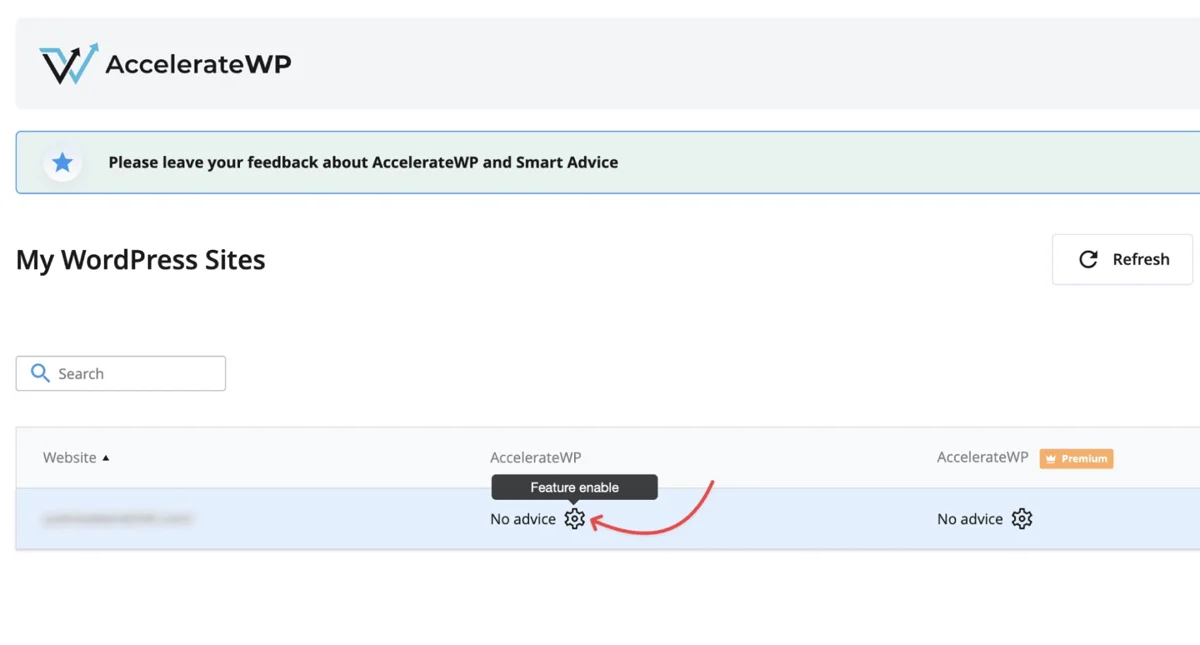
Not every site has the same needs. SmartAdvice, the AccelerateWP recommendation engine, uses each site's performance data to show you the optimizations that bring a real gain. You see this advice in the AccelerateWP tab of cPanel, next to each of your WordPress sites, and apply it in one click.
- Site-by-site recommendations
- One-click activation
- Roll back at any time
Turn on AccelerateWP in four steps
Log in to cPanel
From your CCN Technologies client area or directly at your cPanel address.
Open AccelerateWP
The AccelerateWP tool lists all the WordPress sites in your hosting account.
Turn on the optimizations
Choose the site, then turn on AccelerateWP and the recommended features.
Enjoy a faster site
The optimizations apply automatically. Our support team can help if needed.
LiteSpeed Cache or AccelerateWP?
Our hosting gives you a choice of two acceleration solutions for WordPress. A site uses only one caching plugin at a time: AccelerateWP can only be turned on when no other caching plugin is installed.

LiteSpeed Cache
The LiteSpeed server plugin, very complete and full of settings. A good choice if you already use it or like to fine-tune everything yourself.
AccelerateWP
Automatic acceleration managed from cPanel, with per-site recommendations and premium features included. A good choice if you want fast results without settings.
Not sure? Our team helps you choose and switch from one to the other, safely.
Included with these hosting plans
Reseller hosting: AccelerateWP is available on the reseller's main account. CloudLinux does not yet offer it to accounts a reseller creates for their own clients.
Requirements
- WordPress 5.8 or later
- PHP 7.3 or later (selectable in cPanel)
- No other active caching plugin (LiteSpeed Cache, WP Rocket, W3 Total Cache…)
- Standard WordPress site (multisite mode is not supported)
Frequently asked questions
Does AccelerateWP cost extra?
No. AccelerateWP is included in our Linux hosting, premium features included: Critical CSS, image optimization, Object Cache and CDN.
How do I turn on AccelerateWP?
Log in to cPanel, open the AccelerateWP tool, choose your WordPress site and turn on the optimizations. You can turn them off at any time, from cPanel or from the WordPress admin.
Can I use AccelerateWP with LiteSpeed Cache?
Not on the same site. AccelerateWP can only be turned on when no other caching plugin is installed. You can use LiteSpeed Cache on one site and AccelerateWP on another. Our support team helps you choose.
Does AccelerateWP work with WooCommerce?
Yes. For a store, Object Cache is especially useful, because it speeds up personalized pages (cart, customer account) that page caching cannot serve.
Does AccelerateWP work with CMSs other than WordPress?
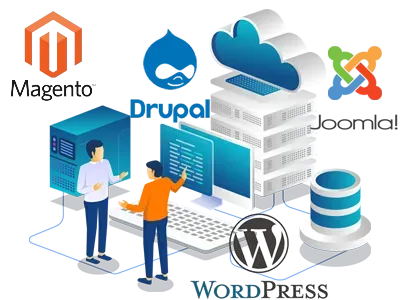
No. AccelerateWP is designed for WordPress only. For other CMSs, our LiteSpeed servers and the QUIC.cloud CDN remain available.
What does SmartAdvice do?
SmartAdvice analyzes each site's performance data and only recommends optimizations that bring a real gain. If it shows no advice for a feature, your site does not need it.
Who makes AccelerateWP?
AccelerateWP is developed by CloudLinux, the company behind CloudLinux OS, which isolates and stabilizes each account on our servers.
Related services
WordPress Hosting
Hosting preconfigured for WordPress: WP Toolkit, LiteSpeed Cache, AccelerateWP with its premium features, and …
Discover →
Linux cPanel Hosting
Linux hosting on LiteSpeed servers with cPanel, HTTP/3 and QUIC ready. Ideal for business websites, online sto…
Discover →
LiteSpeed
LiteSpeed is the fastest web server on the market — 20× faster than Apache. Native HTTP/3 and QUIC protocols, …
Discover →
QUIC.cloud CDN
QUIC.cloud is the next-generation CDN developed by LiteSpeed Technologies. It delivers your content from nodes…
Discover →
A faster WordPress site, starting today
Choose CCN Technologies hosting: AccelerateWP is included, with its premium features.
AccelerateWP and CloudLinux are trademarks of CloudLinux Inc. Logos and visuals are shown to illustrate the included service.